
Laptop repair is a common necessity for anyone using a laptop regularly. From slow performance to hardware failures, laptops face several issues that can disrupt work, gaming, or school tasks. Understanding these problems—and how professionals fix them—can save you time, money, and frustration. Here are the most frequent laptop problems and tips from technicians on how to address them effectively.
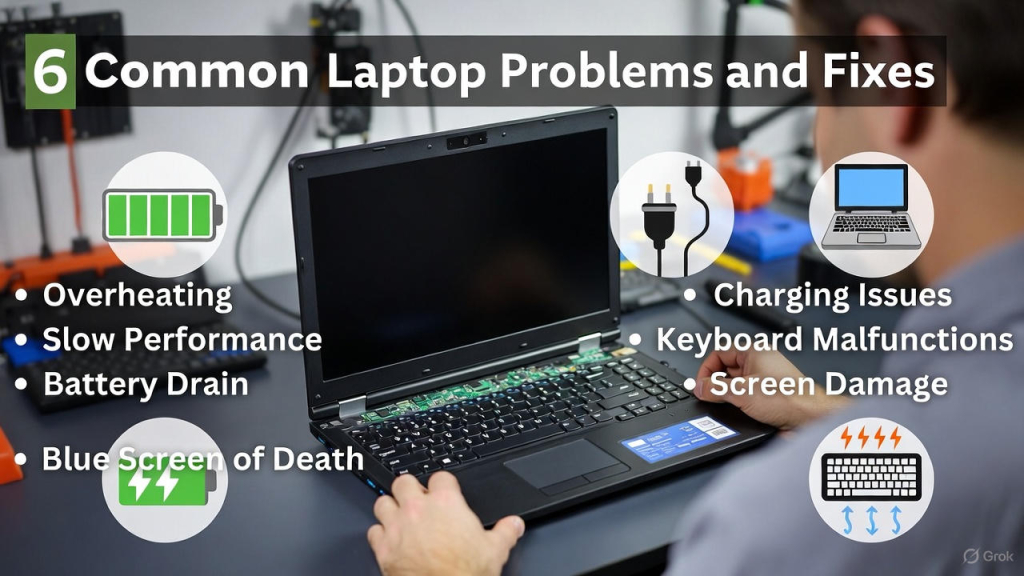
🔧 6 Common Laptop Problems and Fixes
1. Laptop Won’t Turn On
One of the most alarming issues for users is a laptop that won’t power up.
Possible causes:
-
Dead battery
-
Faulty charger
-
Internal hardware failure
Technician solutions:
-
Test and replace the battery if needed
-
Check power adapter and charging port
-
Inspect motherboard and internal connections
Tip for users: Always use original chargers to prevent electrical damage.
2. Slow Laptop Performance
A sluggish laptop is frustrating and can reduce productivity.
Possible causes:
-
Too many background apps
-
Full hard drive
-
Malware or viruses
Technician solutions:
-
Clean up startup programs
-
Upgrade to SSD from HDD
-
Run antivirus and malware scans
Tip for users: Regular maintenance and disk cleanup is key for laptop repair prevention.
3. Overheating Laptops
Heat can damage components and reduce your laptop’s lifespan.
Possible causes:
-
Dust in fans and vents
-
Heavy apps running for long periods
-
Poor ventilation
Technician solutions:
-
Clean fans and vents using compressed air
-
Replace thermal paste if needed
-
Recommend cooling pads for gaming laptops
Tip for users: Never block vents or use laptops on soft surfaces like beds.
4. Keyboard or Trackpad Not Working
Keyboards and trackpads are prone to wear and spills.
Possible causes:
-
Liquid spills
-
Dust or debris under keys
-
Hardware failure
Technician solutions:
-
Clean or replace individual keys
-
Replace faulty trackpad or keyboard module
Tip for users: Use external keyboards when necessary and clean your laptop regularly.
5. Screen Issues (Flickering or Cracks)
Screen problems can severely affect your laptop experience.
Possible causes:
-
Physical damage
-
Loose or damaged cables
-
Backlight or display panel failure
Technician solutions:
-
Replace cracked or damaged screens
-
Reconnect or replace internal display cables
-
Replace backlight components if necessary
Tip for users: Use a laptop case and handle the screen carefully to prevent damage.
6. Battery Not Charging or Holding Charge
Battery problems are common, especially in older laptops.
Possible causes:
-
Worn-out battery
-
Faulty charging circuit
-
Power management issues
Technician solutions:
-
Replace old batteries
-
Repair charging circuits if needed
-
Calibrate battery using software tools
Tip for users: Avoid overnight charging and keep the battery between 20–80% to extend lifespan.
✅ Bonus Laptop Care Tips
-
Keep software and drivers updated
-
Avoid heavy apps running continuously
-
Store laptops in cool, ventilated areas
-
Backup important files regularly
If you’re looking for trusted, fast, and professional repair services backed by a Super Service Award, FastFix Repair is here for you. Contact us today to schedule a service appointment or to learn more about how we can help with your device repair needs.
If you need any on site help please visit express mobile repair