
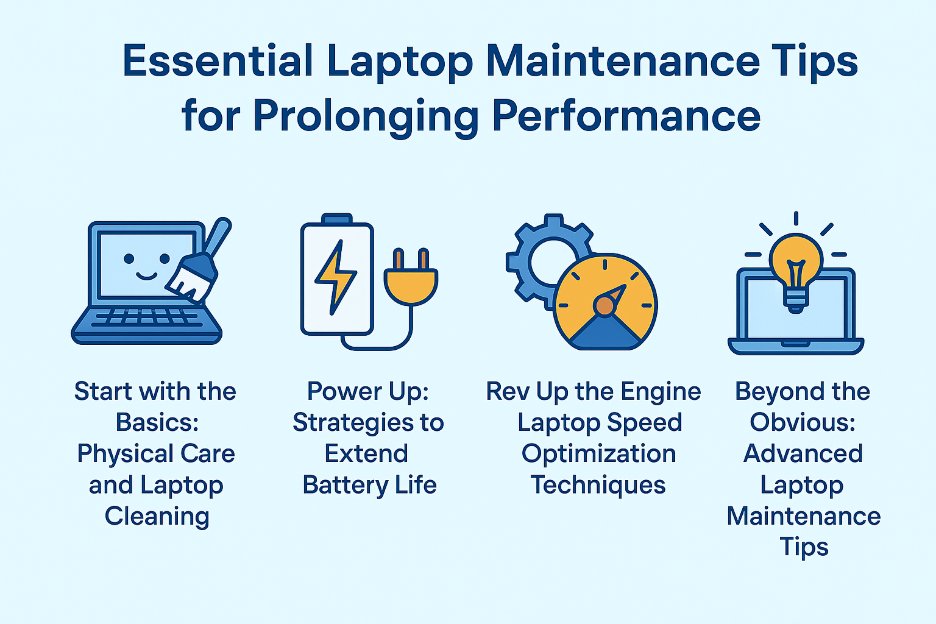
Essential ways and tips to keep your PC fast & last longer are essential if you want your laptop or desktop to stay fast, reliable, and long-lasting. Whether you use your computer for work, school, gaming, or business, simple maintenance habits can dramatically extend its lifespan and help you avoid costly repairs. Follow these professional computer care tips to keep your device performing at its best.
💨 1. Keep Your Computer Ventilated & Dust-Free
One of the most important computer care tips is preventing dust buildup. Dust clogs fans and vents, leading to overheating and performance issues.
Why this matters:
-
Overheating slows the system
-
Hardware wears out faster
-
Fans become noisy
-
Freezing or sudden shutdowns
How to prevent it:
-
Clean vents monthly
-
Use compressed air gently
-
Keep laptops on hard, flat surfaces
-
Avoid beds, blankets, or laps
-
Clean desktop internals every 6–12 months
🔋 2. Avoid Overcharging & Protect Your Laptop Battery
Battery health plays a major role in overall computer lifespan.
Best battery care practices:
-
Keep battery between 20%–80%
-
Avoid being plugged in 24/7
-
Don’t charge overnight
-
Enable battery health features (Windows, macOS, Lenovo, etc.)
-
Avoid heavy apps while charging
Healthy battery habits are key computer care tips for laptops.
💾 3. Declutter Storage to Improve Computer Performance
A nearly full drive slows everything down.
Storage optimization tips:
-
Delete unused apps
-
Empty recycle bin regularly
-
Move large files to cloud or external storage
-
Use built-in disk cleanup tools
-
Upgrade from HDD to SSD if possible
SSD upgrades are among the most effective computer care tips for speed.
🛡️ 4. Protect Your Computer from Viruses & Malware
Security is a critical part of modern computer care.
Protect your system by:
-
Using updated antivirus software
-
Avoiding unknown links and downloads
-
Keeping your OS and apps updated
-
Using strong, unique passwords
-
Enabling two-factor authentication
Business systems should consider managed security solutions.
🌡️ 5. Keep Your Computer Cool at All Times
Heat is the #1 enemy of electronics.
Cooling best practices:
-
Use laptops on flat, cool surfaces
-
Close heavy programs when idle
-
Use cooling pads for gaming or editing
-
Maintain good room ventilation
Never leave your computer in a hot car—heat damage can be permanent.
🧼 6. Clean Your Keyboard & Screen Safely
Proper cleaning is often overlooked in computer care.
Safe cleaning tips:
-
Use microfiber cloths only
-
Never spray liquid directly on screens
-
Power off before cleaning
-
Use compressed air for keyboards
-
Avoid harsh chemicals
Clean devices last longer and work better.
🛠️ 7. Get Professional Computer Maintenance When Needed
Some computer care tips require expert help.
Professional services include:
-
Deep internal cleaning
-
Thermal paste replacement
-
SSD or RAM upgrades
-
Virus removal
-
System optimization
-
Data recovery & backups
Regular professional check-ups keep your computer fast and secure.
If you’re looking for trusted, fast, and professional repair services backed by a Super Service Award, FastFix Repair is here for you. Contact us today to schedule a service appointment or to learn more about how we can help with your device repair needs.
If you need any on site help please visit express mobile repair