
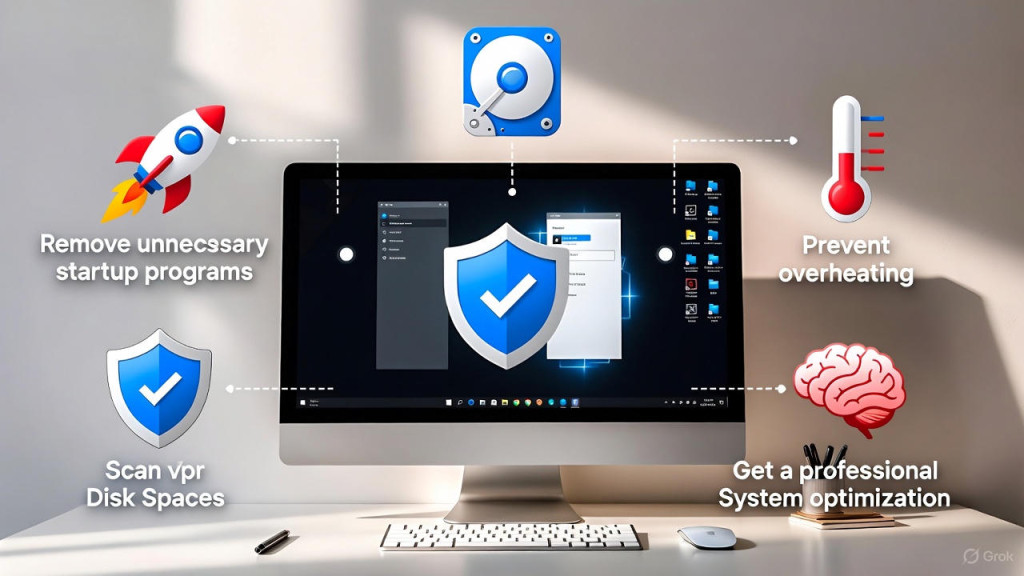
If your PC or laptop feels sluggish, freezes often, or takes forever to start, it’s time to speed up a slow computer using proven and safe methods. Slow computers are one of the most common problems we see at FastFix Repair, and the good news is that many performance issues can be fixed without replacing your device. Follow these easy and effective tips to restore speed and reliability.
🚀 1. Remove Unnecessary Startup Programs
One of the fastest ways to speed up a slow computer is by reducing startup programs. Many apps automatically launch when your computer boots, consuming memory and slowing everything down.
How to fix it:
-
On Windows:
Task Manager → Startup → Disable unused apps -
On macOS:
System Settings → Login Items → Remove unnecessary apps
Fewer startup programs = faster boot time.
💾 2. Free Up Disk Space Regularly
A nearly full hard drive can severely impact system performance.
Storage cleanup tips:
-
Delete unused programs
-
Empty the recycle bin
-
Remove temporary files
-
Move photos and videos to cloud or external storage
-
Use built-in Disk Cleanup tools
Keeping at least 20% free space helps speed up a slow computer significantly.
🔄 3. Upgrade from HDD to SSD (Biggest Speed Boost)
If your computer still uses a traditional hard drive (HDD), upgrading to a Solid State Drive (SSD) is the most powerful way to improve speed.
Benefits of SSD:
-
Faster boot times
-
Apps open instantly
-
Quieter operation
-
Lower power consumption
At FastFix Repair, SSD upgrades are one of the most popular services for speeding up slow computers.
🛡️ 4. Scan for Viruses and Malware
Malware and unwanted software silently run in the background, slowing down your system and risking your data.
Protect your computer by:
-
Running a full antivirus scan
-
Removing suspicious programs
-
Keeping security software updated
-
Avoiding unknown downloads and links
Removing malware can instantly speed up a slow computer.
🌡️ 5. Prevent Overheating and Improve Cooling
Overheating forces your computer to throttle performance to protect hardware.
Cooling tips:
-
Clean dust from vents and fans
-
Use your laptop on a hard surface
-
Avoid blocking airflow
-
Use a cooling pad for gaming or heavy work
Cool computers always perform better and last longer.
🧠 6. Add More RAM for Better Multitasking
If your computer slows down when opening multiple apps or browser tabs, you may need more RAM.
Signs you need RAM upgrade:
-
System freezes when multitasking
-
Browser slows with many tabs
-
Apps crash unexpectedly
A RAM upgrade is a cost-effective way to speed up a slow computer, especially for work and business users.
🔧 Bonus Tip: Get Professional System Optimization
If your computer is still slow after basic fixes, professional optimization can help.
Professional services include:
-
Deep system cleanup
-
Driver updates
-
Thermal paste replacement
-
Hardware health checks
-
Performance tuning
Expert maintenance can restore your computer to like-new performance.
If you’re looking for trusted, fast, and professional repair services backed by a Super Service Award, FastFix Repair is here for you. Contact us today to schedule a service appointment or to learn more about how we can help with your device repair needs.
If you need any on site help please visit express mobile repair